Why var Prints 4 4 4 but let Prints 1 2 3 in JavaScript
Ever wondered why replacing `var` with `let` changes the output of a simple loop? Learn how JavaScript scope, closures, and the event loop work together, with real-world examples and interview insights.
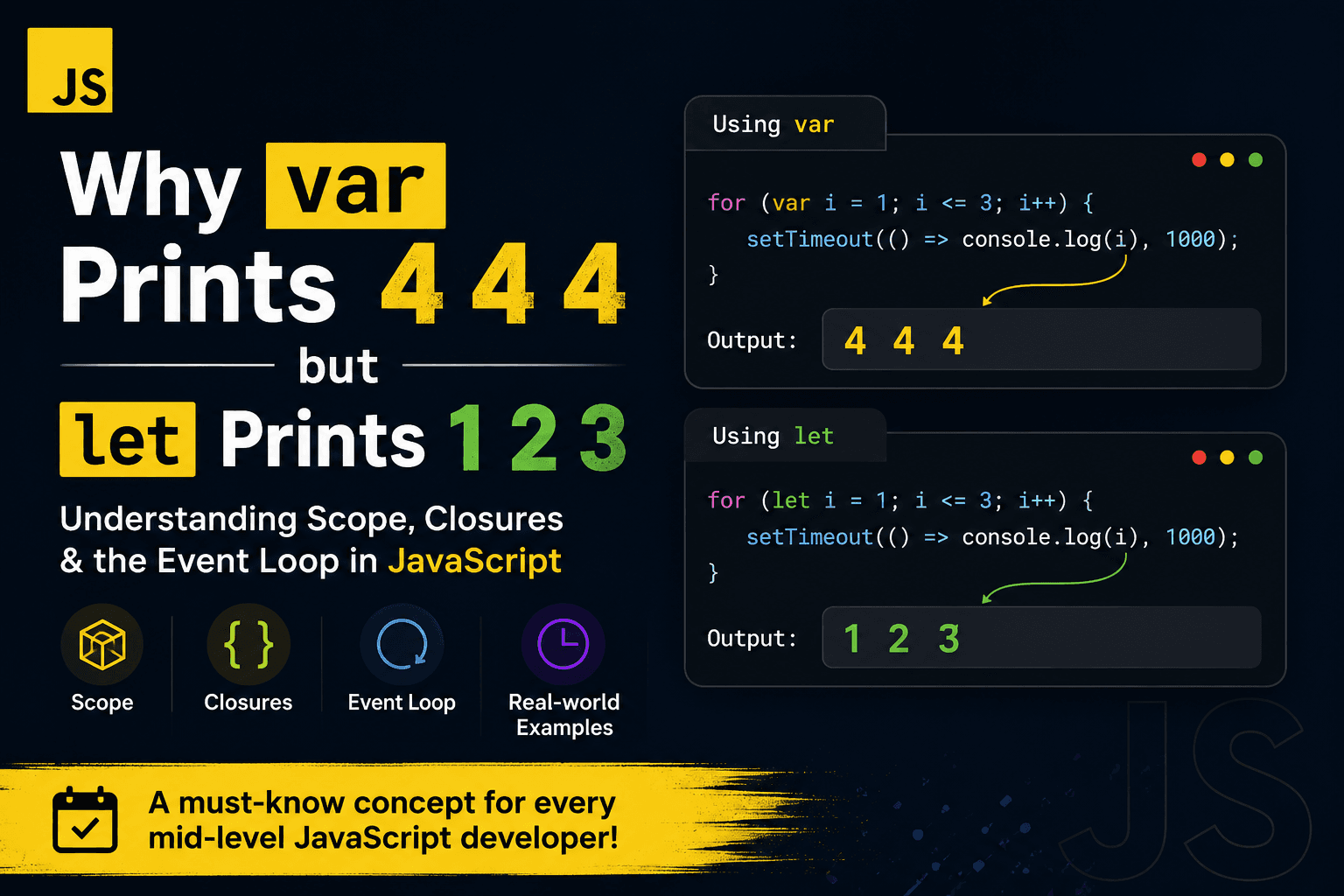
Why var Prints 4 4 4 but let Prints 1 2 3 in JavaScript
If you've been writing JavaScript for a while, you've probably come across this classic interview question.
for (var i = 1; i <= 3; i++) {
  setTimeout(() => console.log(i), 1000);
}
Most developers expect the output to be:
1
2
3
But the actual output is:
4
4
4
Now replace var with let.
for (let i = 1; i <= 3; i++) {
  setTimeout(() => console.log(i), 1000);
}
Output:
1
2
3
So what changed?
Understanding the Problem
There are three JavaScript concepts working together here:
- Variable Scope
- Closures
- The Event Loop
Let's understand each one.
1. var is Function Scoped
Variables declared with var belong to the entire function instead of a single loop iteration.
for (var i = 1; i <= 3; i++) {
    // same variable is reused
}
There is only one variable named i.
Each loop iteration simply changes its value.
Iteration 1 → i = 1
Iteration 2 → i = 2
Iteration 3 → i = 3
Loop finishes → i = 4
The callbacks don't store the value.
They store a reference to the same variable.
2. Closures Don't Copy Values
A common misconception is that closures save the variable's value.
They don't.
Closures remember the variable itself.
Every callback created here:
setTimeout(() => console.log(i), 1000);references the exact same i.
When the callback finally runs, it checks the current value.
That value is already 4.
Therefore every callback prints:
4
4
4
3. The Event Loop
setTimeout() does not pause the loop.
Instead it schedules the callback.
The JavaScript engine continues executing.
The loop finishes almost instantly.
Only after approximately one second does the event loop execute the queued callbacks.
At that point:
i === 4Every callback prints 4.
Why let Works
let is block scoped.
JavaScript creates a new variable for every iteration.
for (let i = 1; i <= 3; i++) {
    setTimeout(() => console.log(i), 1000);
}
Internally it's similar to:
const i1 = 1;
const i2 = 2;
const i3 = 3;
Each callback references a different variable.
Output:
1
2
3
Visual Representation
Using var
Single variable

i
↓
1 → 2 → 3 → 4

Callback A ─┐
Callback B ─┼──► same variable
Callback C ─┘
Using let
Iteration 1 → i = 1

Iteration 2 → i = 2

Iteration 3 → i = 3

Each callback gets its own variable.
Real-World Example 1: Button Clicks
Imagine generating buttons dynamically.
for (var i = 0; i < buttons.length; i++) {
    buttons[i].onclick = () => {
        console.log(i);
    };
}
Click any button.
You'll always get the final value.
Using let fixes it immediately.
Real-World Example 2: API Requests
for (let id of userIds) {
    fetch(`/users/${id}`)
        .then(...)
}
Each request correctly remembers its own ID.
Using var in older patterns often caused callbacks to reference the wrong value.
Real-World Example 3: File Upload Queue
Uploading multiple files with delayed progress updates.
for (let i = 0; i < files.length; i++) {
    setTimeout(() => {
        console.log(files[i].name);
    }, 1000);
}
Each timeout logs the correct file.
Common Interview Question
What will this print?
for (var i = 0; i < 5; i++) {
    setTimeout(() => console.log(i), 0);
}
Answer:
5
5
5
5
5
Replace var with let.
Output:
0
1
2
3
4
Key Takeaways
✅ var is function scoped.
✅ let is block scoped.
✅ Closures capture variables—not their values.
✅ setTimeout() schedules callbacks; it doesn't stop the loop.
✅ Understanding closures and the event loop helps prevent real-world asynchronous bugs.
Final Thoughts
This example is much more than a JavaScript trick.
It demonstrates how scope, closures, and the event loop interact—three concepts every mid-level JavaScript developer should understand.
Once you master these fundamentals, debugging asynchronous code becomes significantly easier.
Comments
Loading comments…